

Note: The E-Check feature is available only on the Zuper mobile application.
Mobile Check Deposit Video Tutorial
If you’re depositing your first check, start with this short video! 👇How to Deposit an E-Check
Follow these steps to deposit a check:-
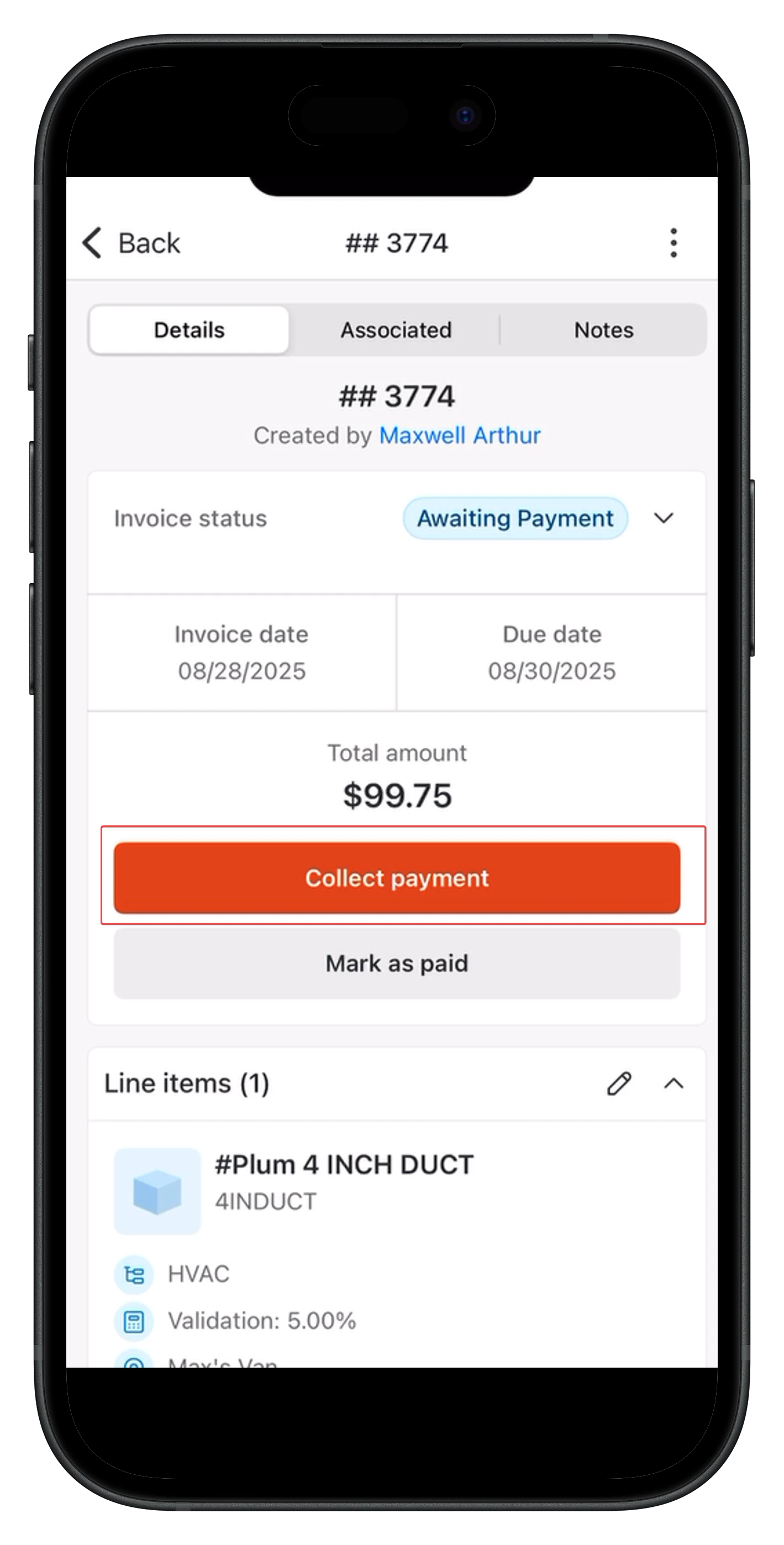
Navigate to the relevant Invoice or quote and click Collect Payment.
-
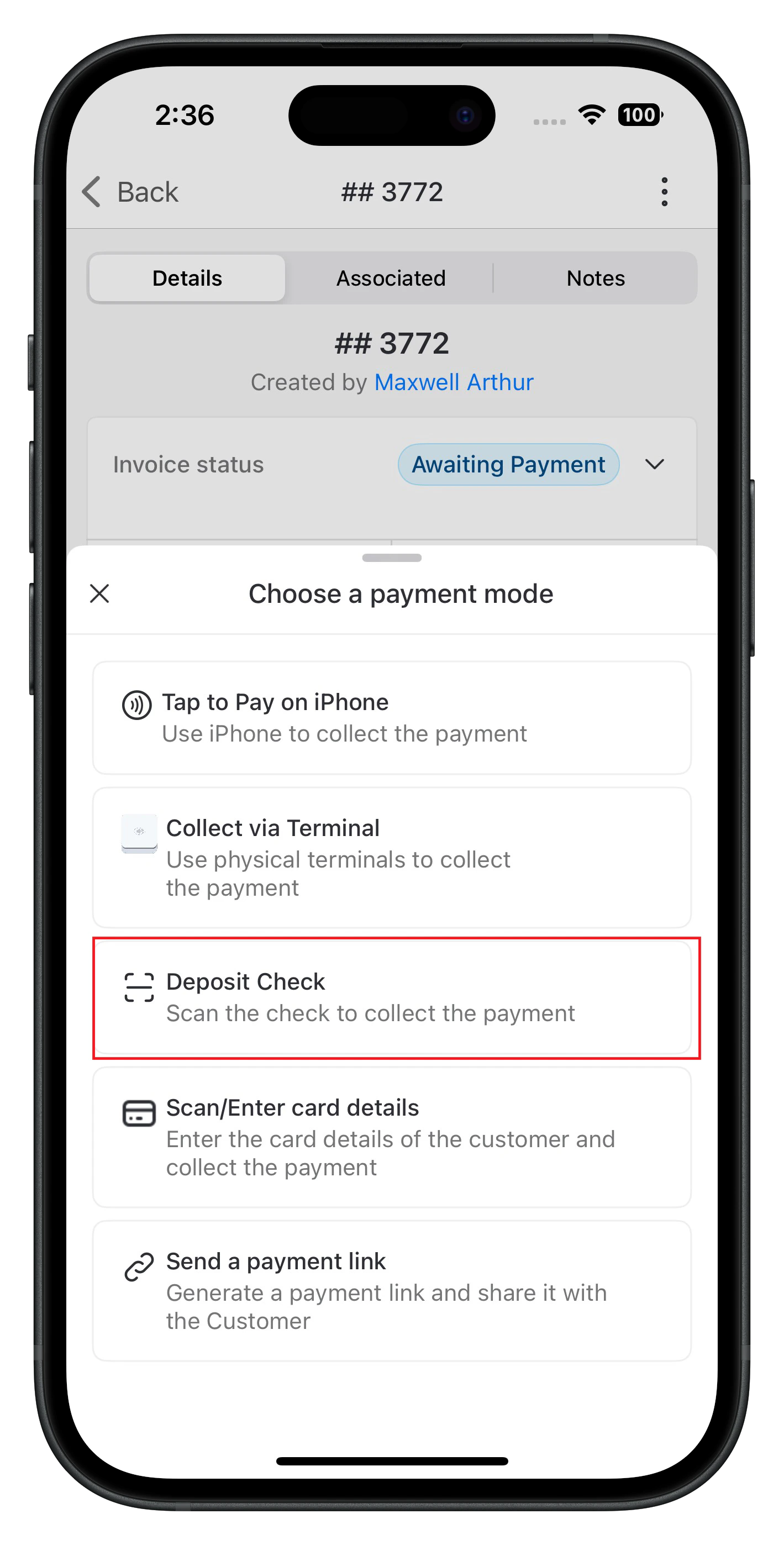
Choose Deposit Check.
-
Your device’s camera will open automatically. Capture:
-
A clear landscape photo of the front of the check.
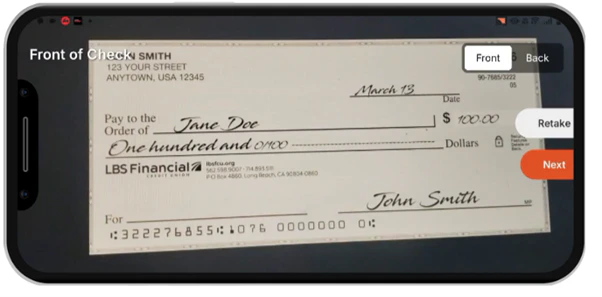
-
A clear landscape photo of the front of the check.
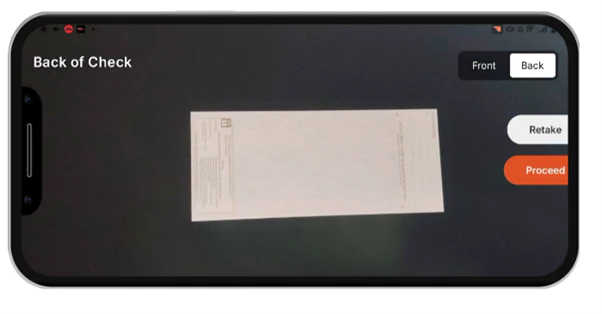
Note: A charge of $0.75 will apply if the images are blurry or unclear. -
A clear landscape photo of the front of the check.
-
The due amount fills in automatically. You can edit the amount if needed.
Note: If you’re depositing against a quote, you cannot edit the amount.
- Enter the Check Number.
- Click Proceed. Note that a $1.00 processing fee applies per transaction. If the check bounces, a $20 fee will be charged (similar to traditional banks).
- After you proceed, a confirmation message will appear stating, “Check deposited successfully.”
How to View Payment Details
After a successful deposit, you can view payment details under:- Payment Transactions → Associated tab.