Before you get started
- The payment mode used for the payment in QuickBooks Desktop must be created/already existing in Zuper.
- The web connector must either be actively running in auto-sync mode or manually initiated by the user.
Set sync between QuickBooks Desktop Zuper
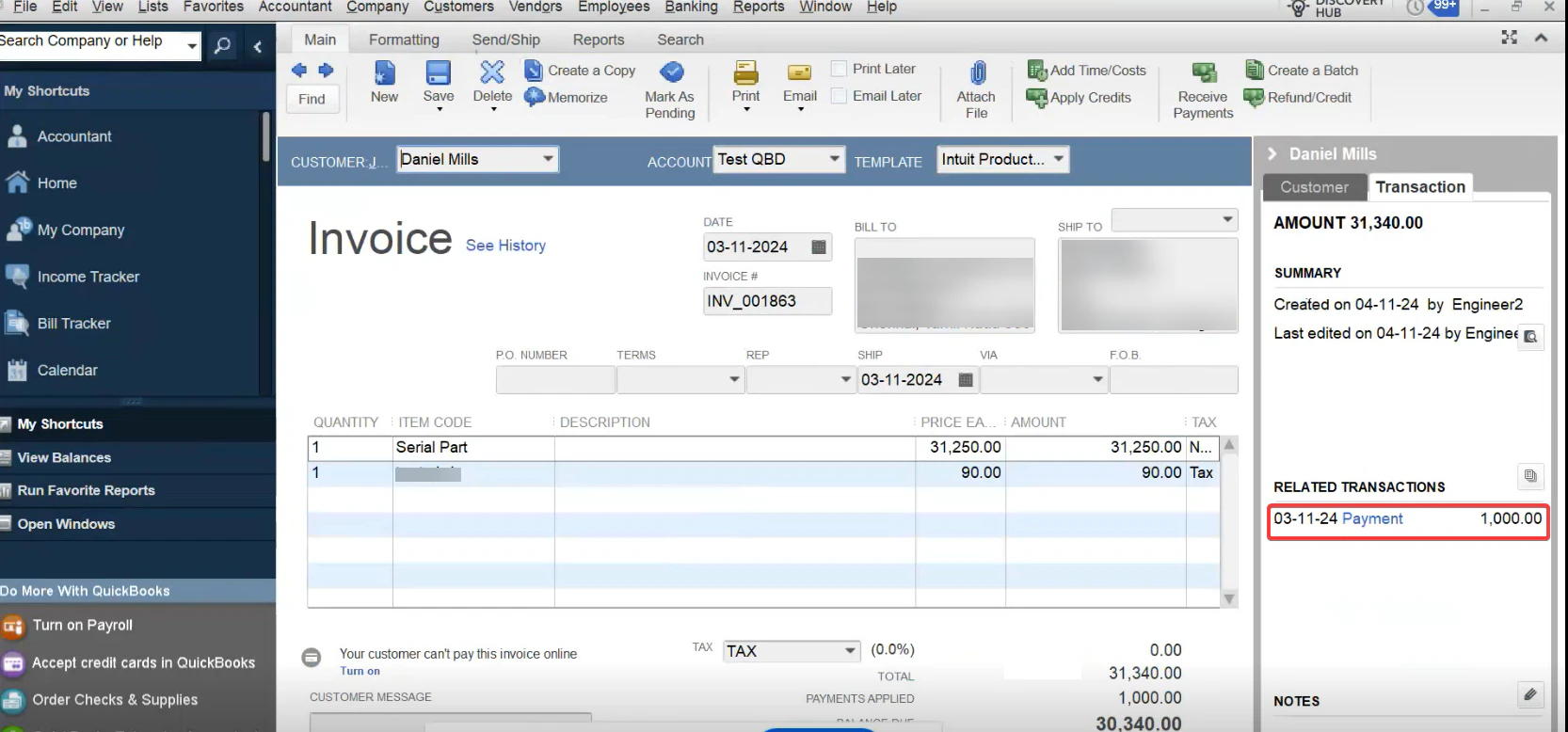
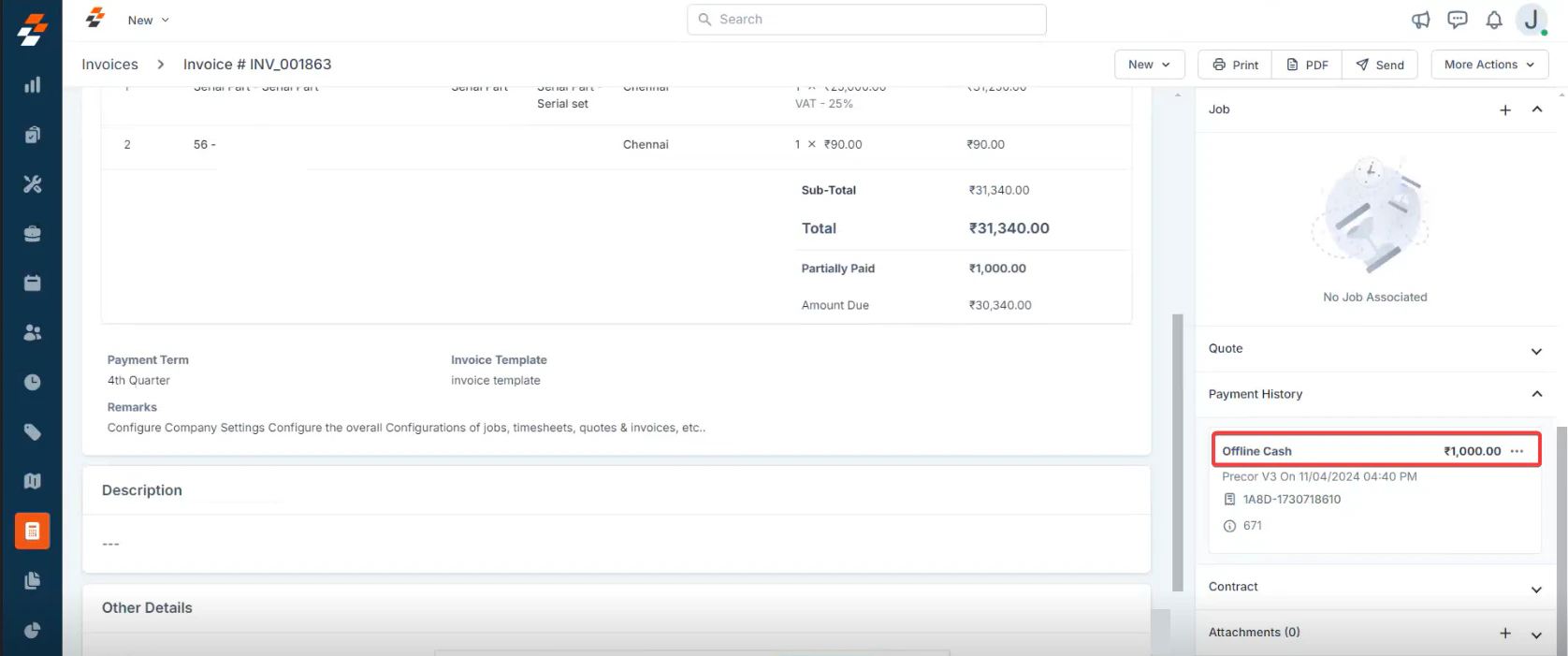
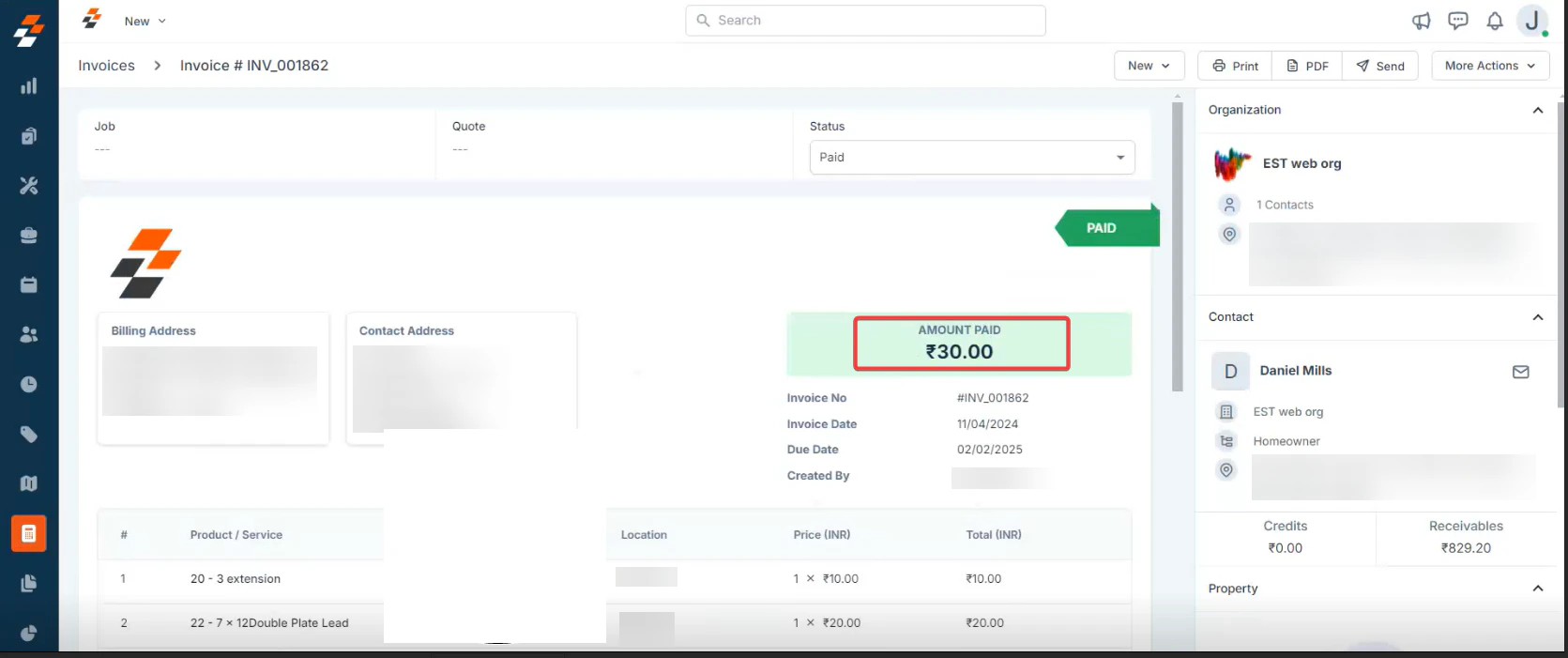
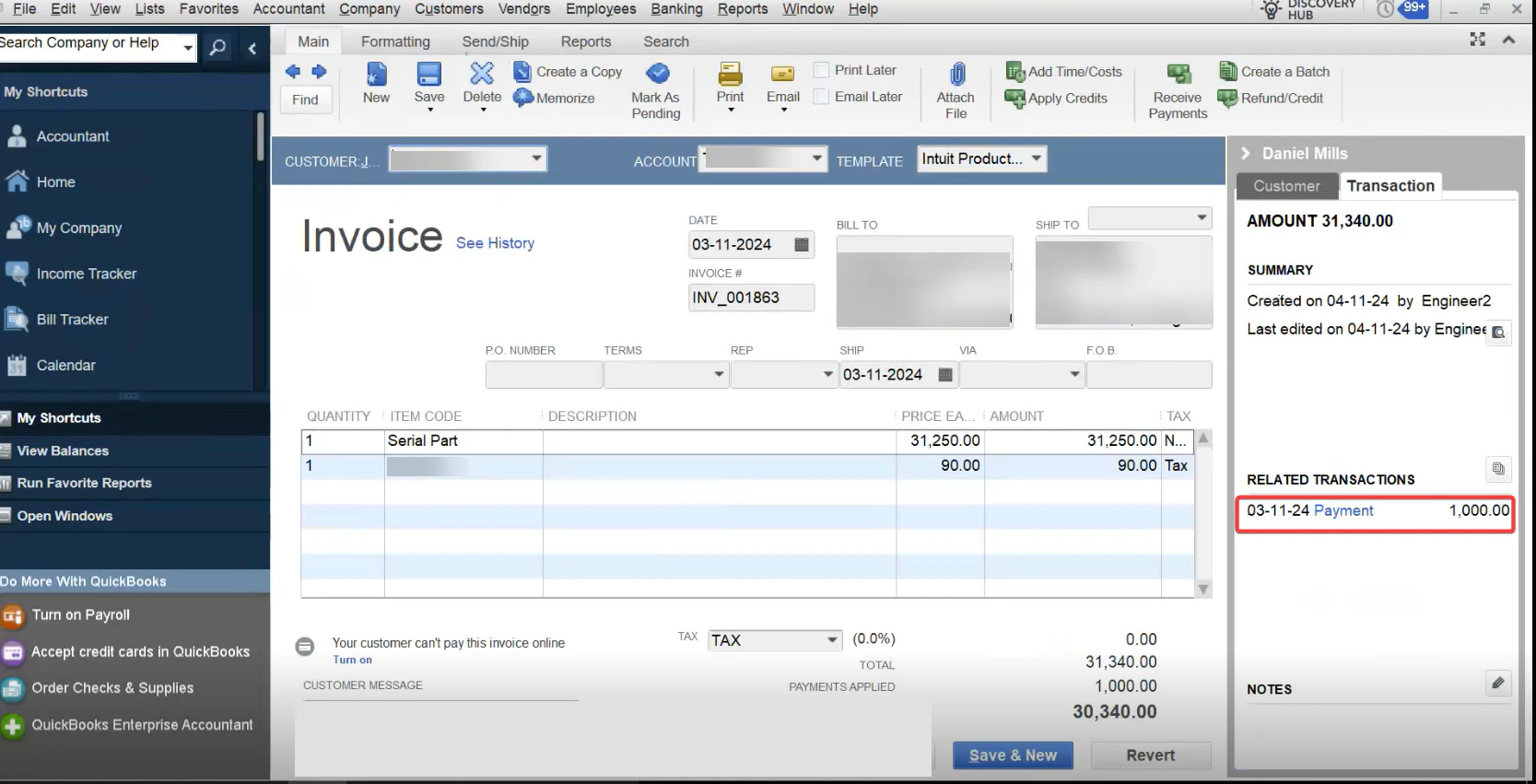
- The QuickBooks Desktop payments can be viewed against their corresponding invoices in Zuper for the fully or partially paid invoice.
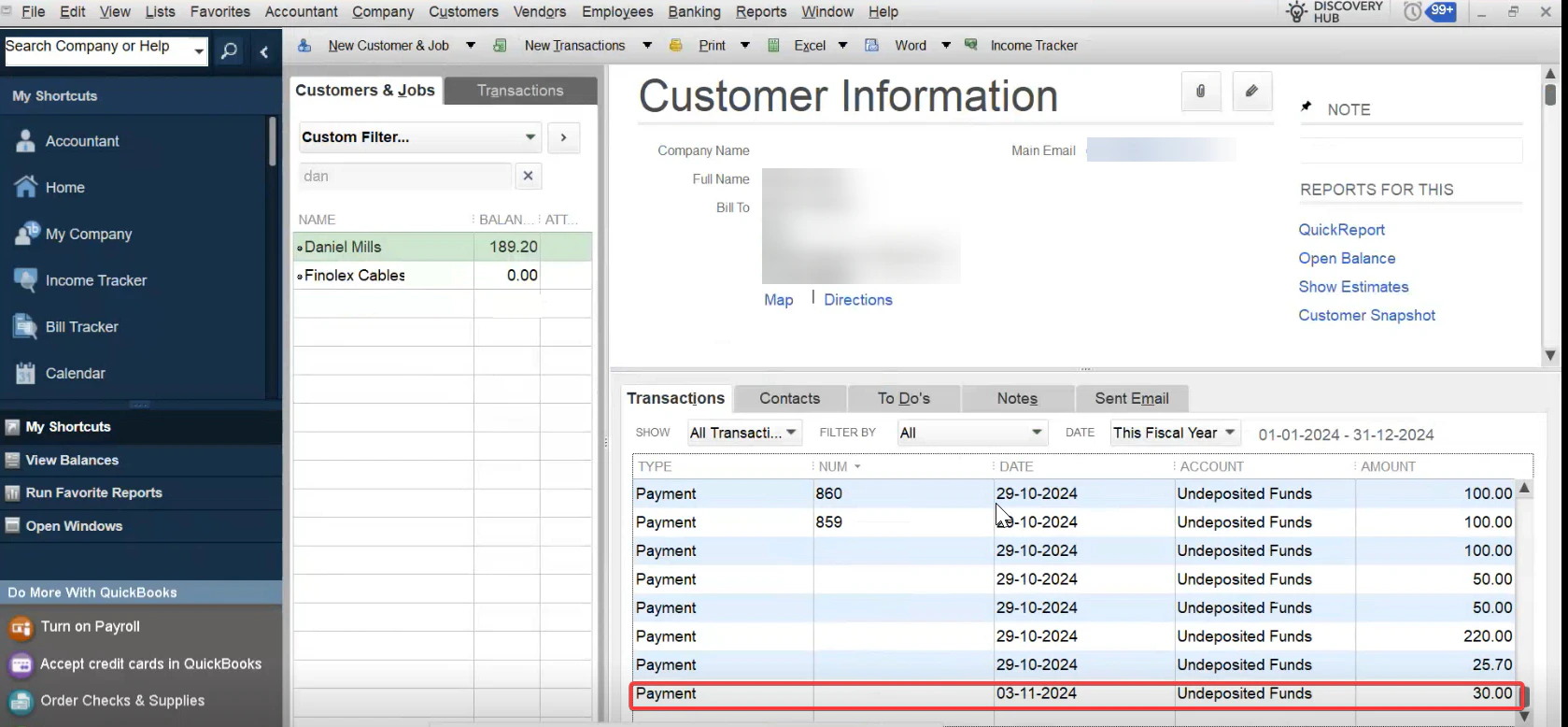
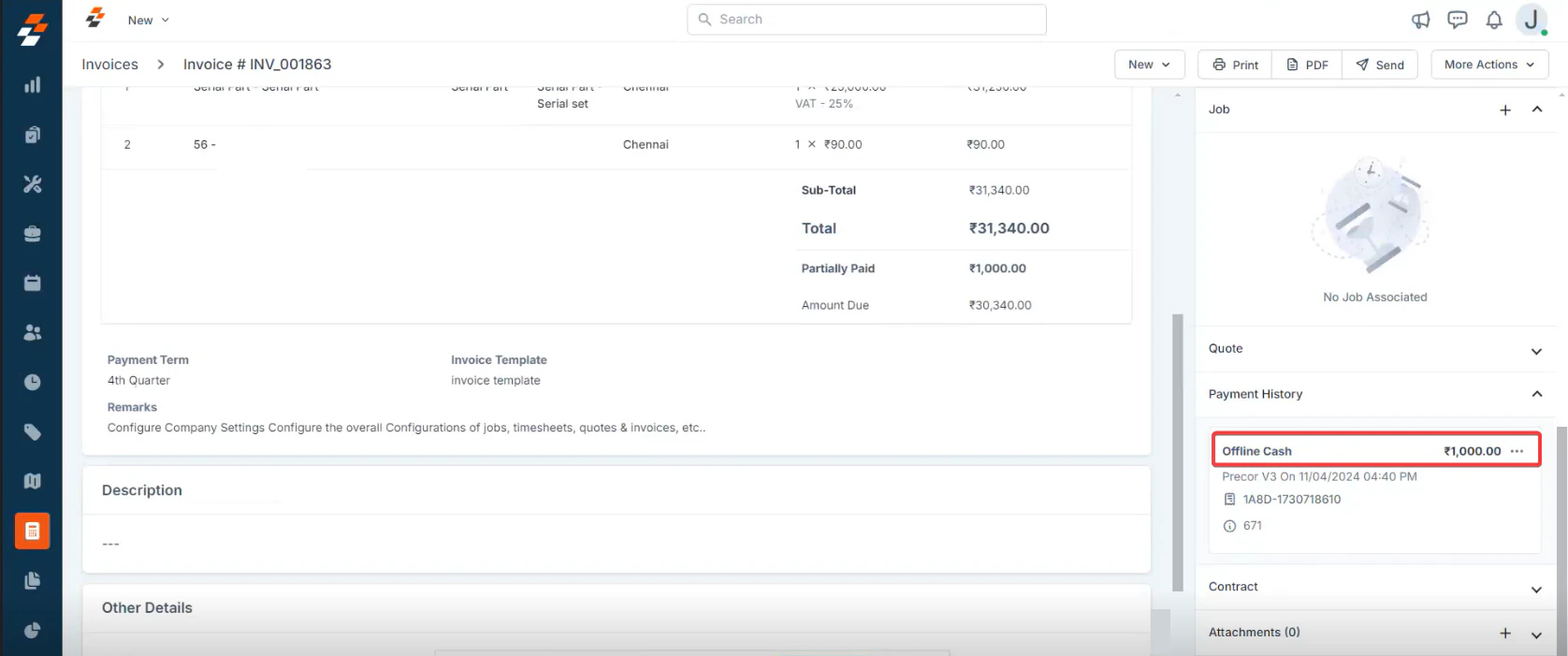
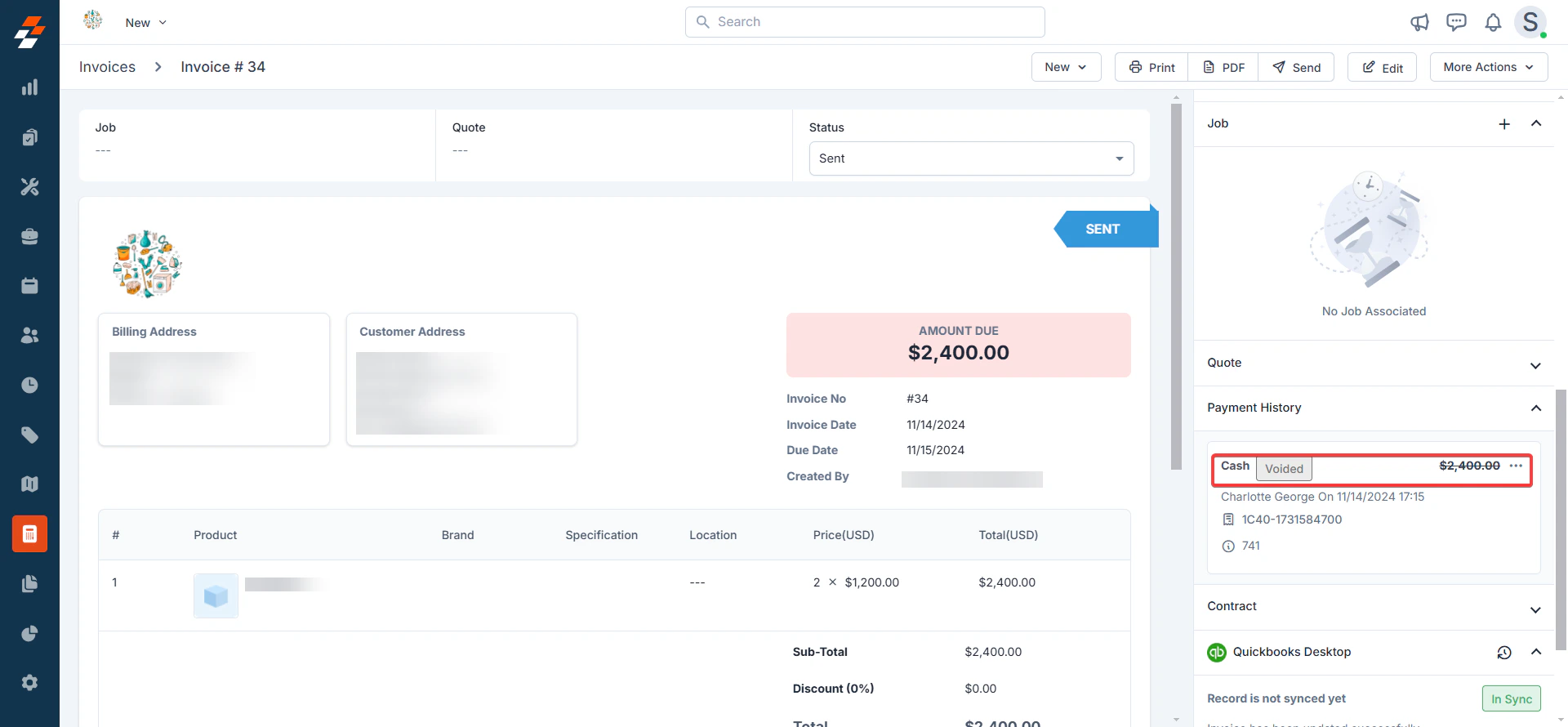
Note: Zuper will void the previous payment in QuickBooks Desktop for edited payments and update it with the new payment details.