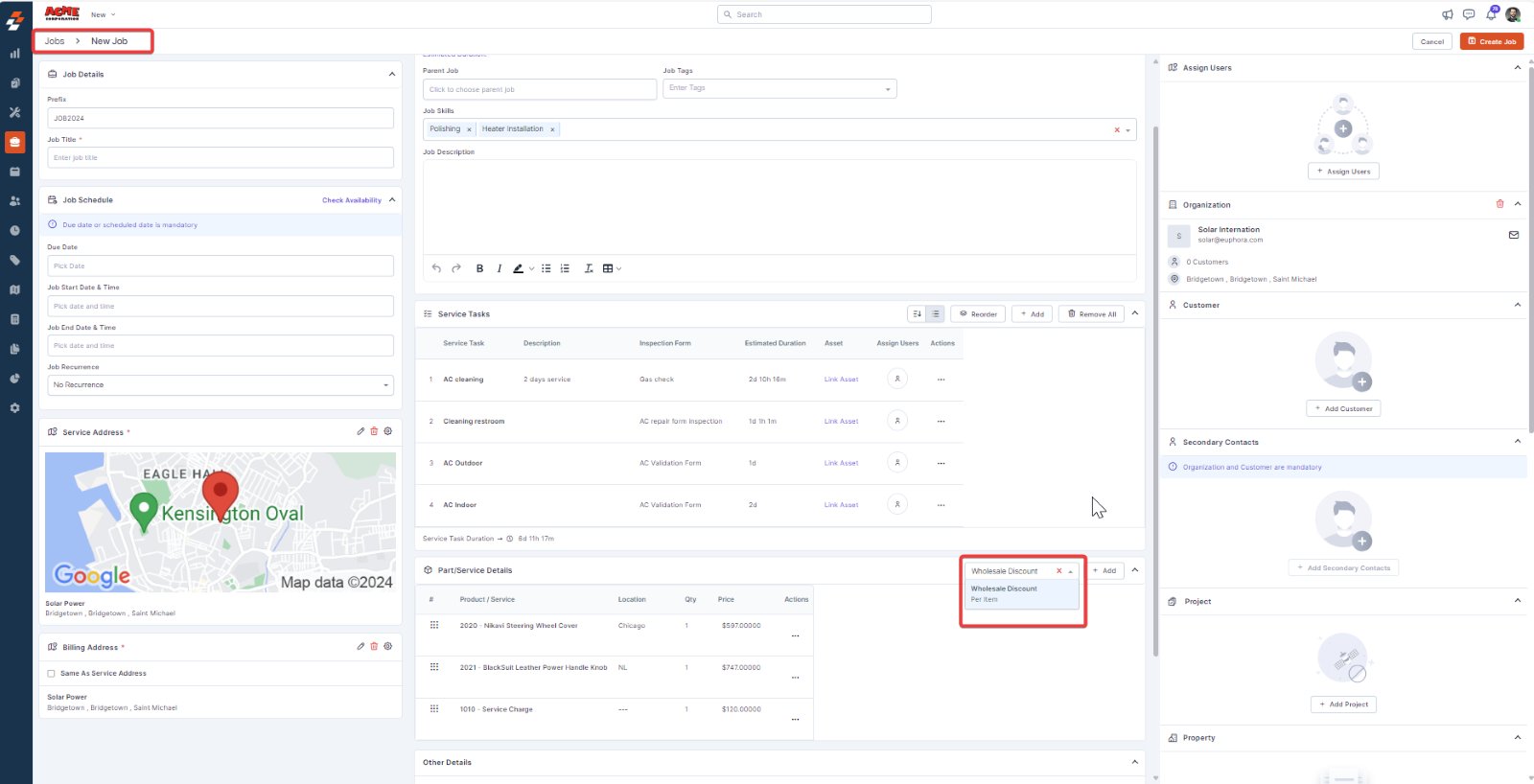
- Go to the module where you want to apply the pricelist, such as Customers, Organizations, Properties, Quotes, Invoices, Jobs, Proposals, or Contracts.
- Choose the specific customer, organization, or transaction to which you want to apply the pricelist or create a new one.
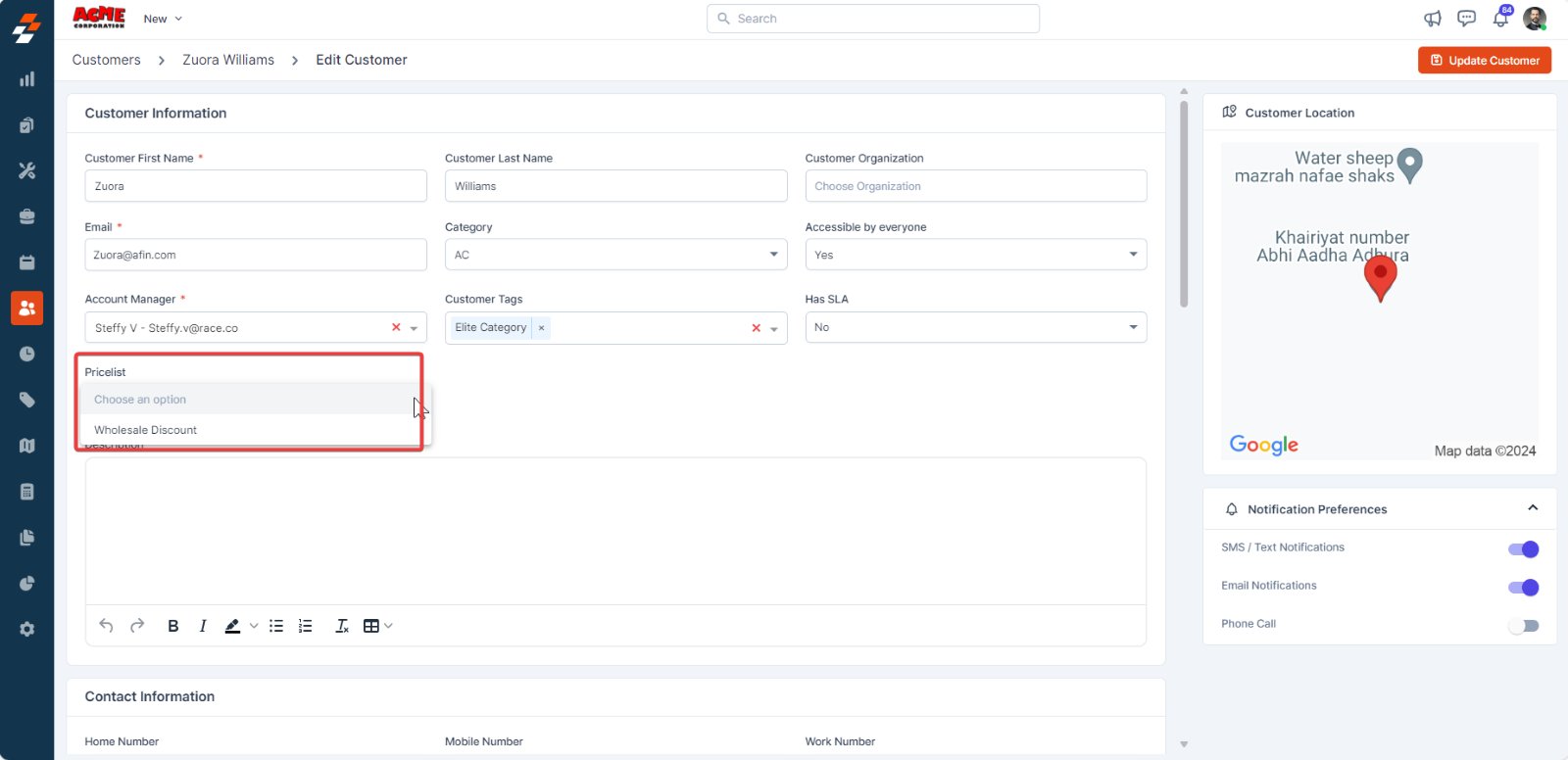
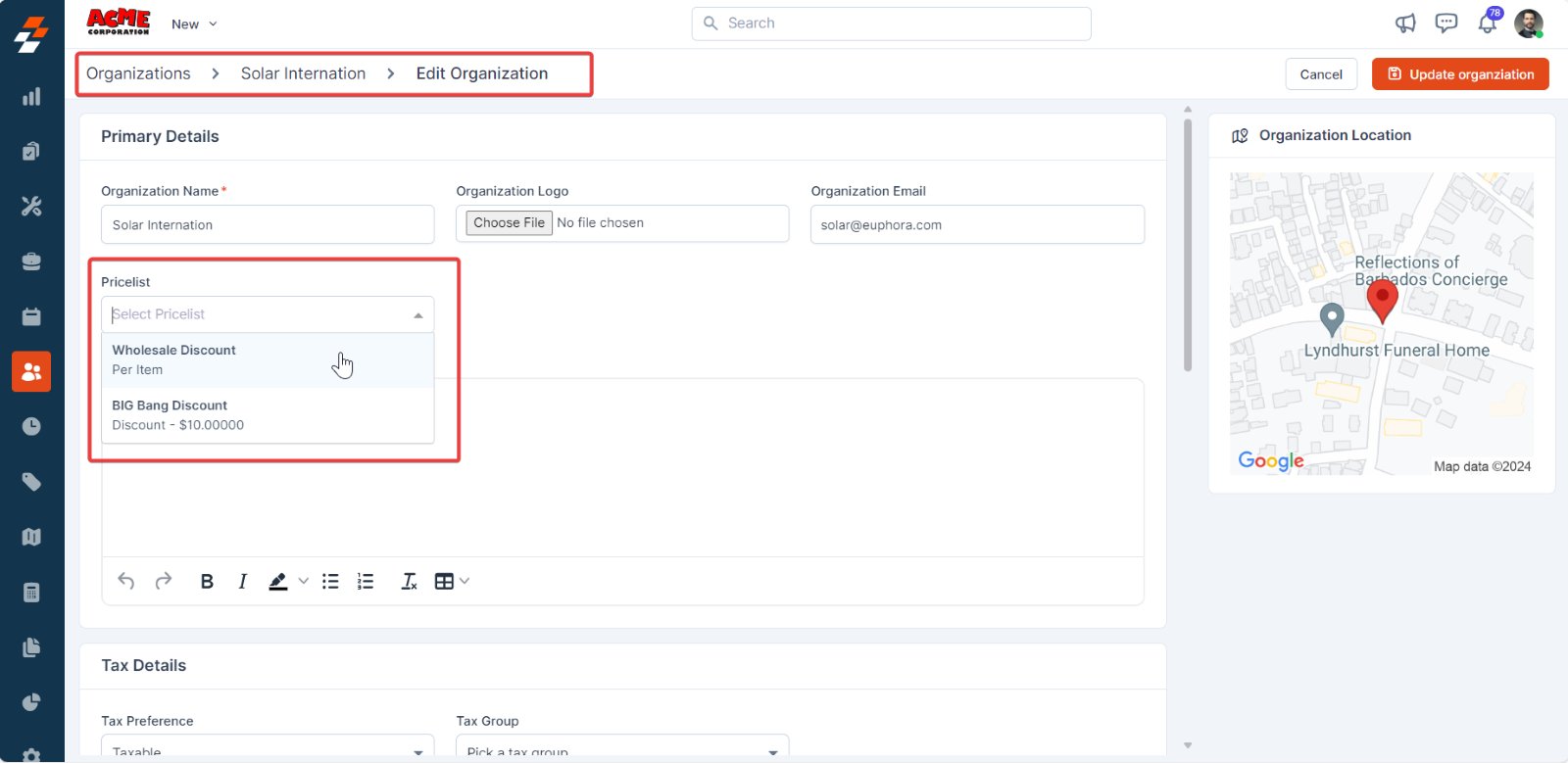
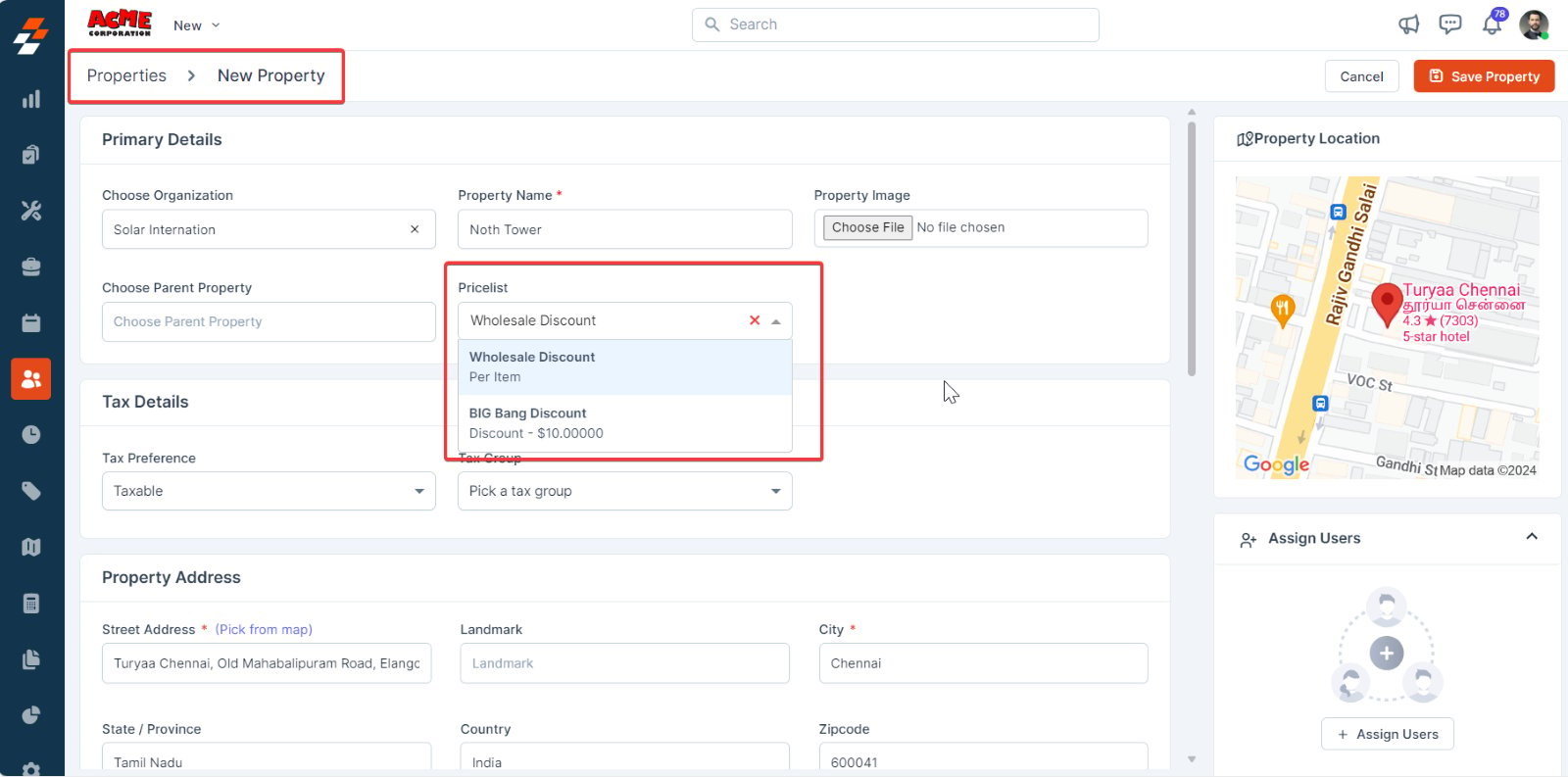
Note: The pricelist associated with properties takes priority, followed by customers, and then organizations. If a property’s pricelist isn’t specified, the system defaults to the customer’s pricelist.
- Customer
- Organization
- Property
Note: When you first select a customer and adjust pricing, selecting a different customer afterward will override the pricing based on the newly selected customer’s Pricelist.
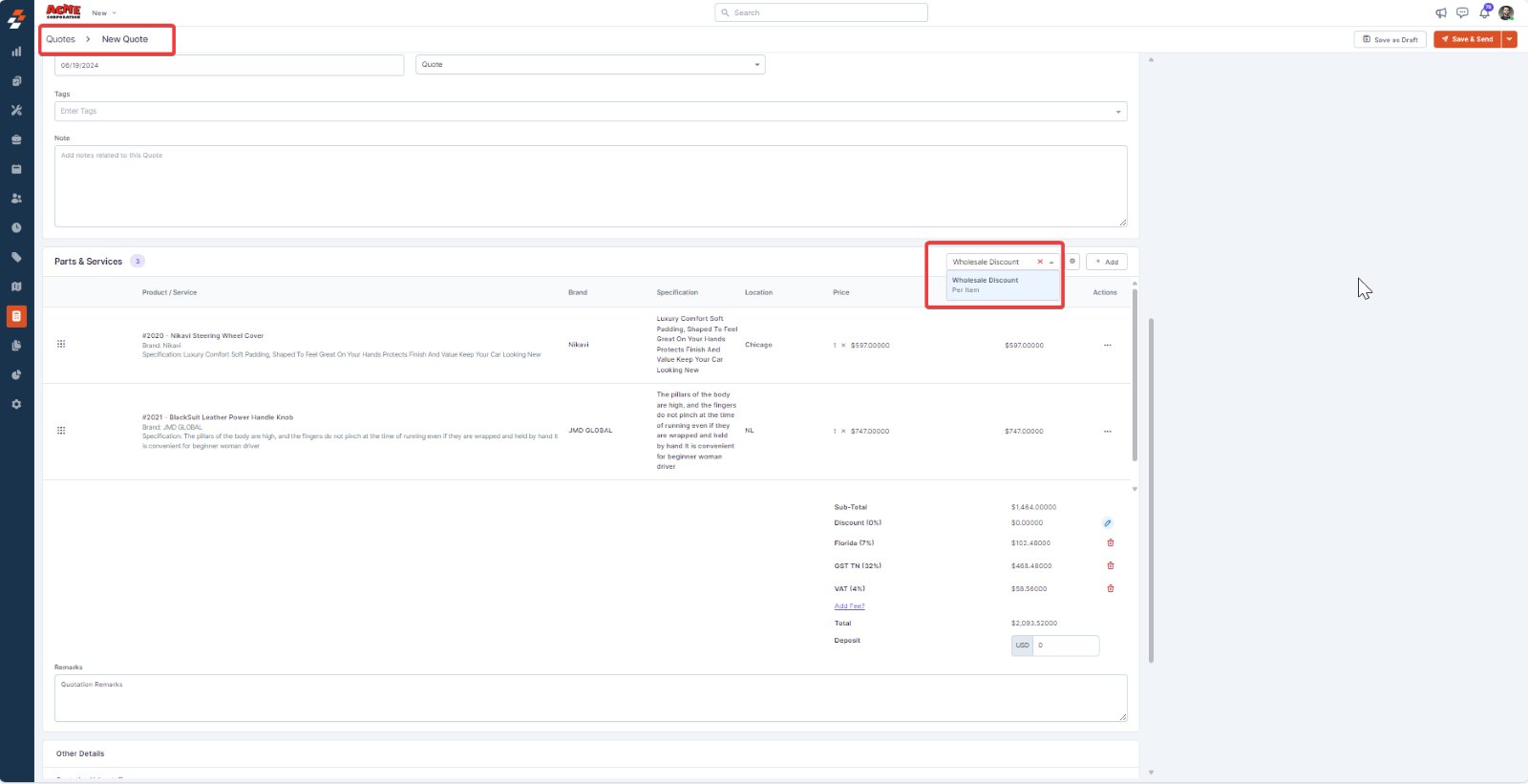
- Quote
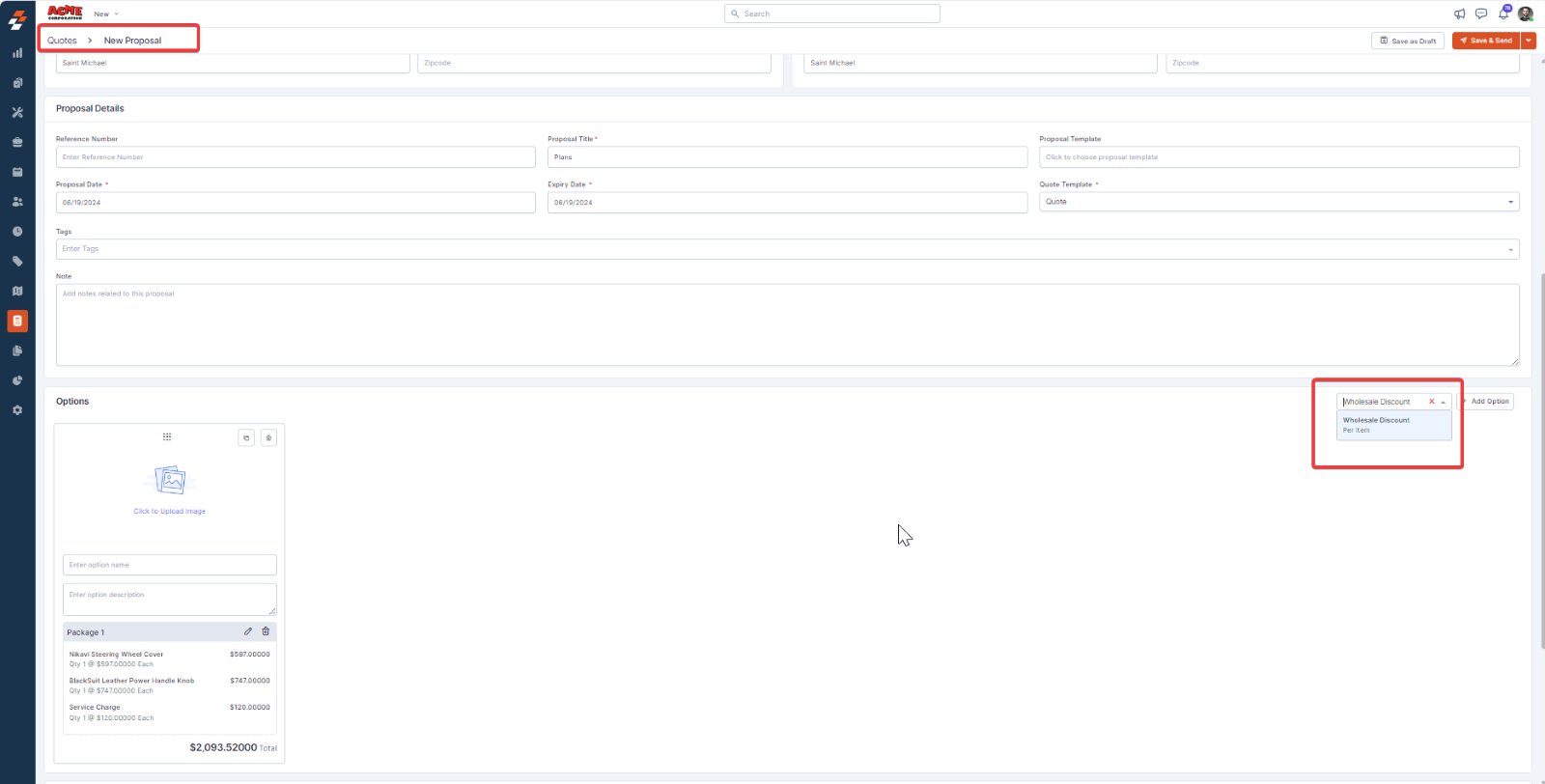
- Proposal
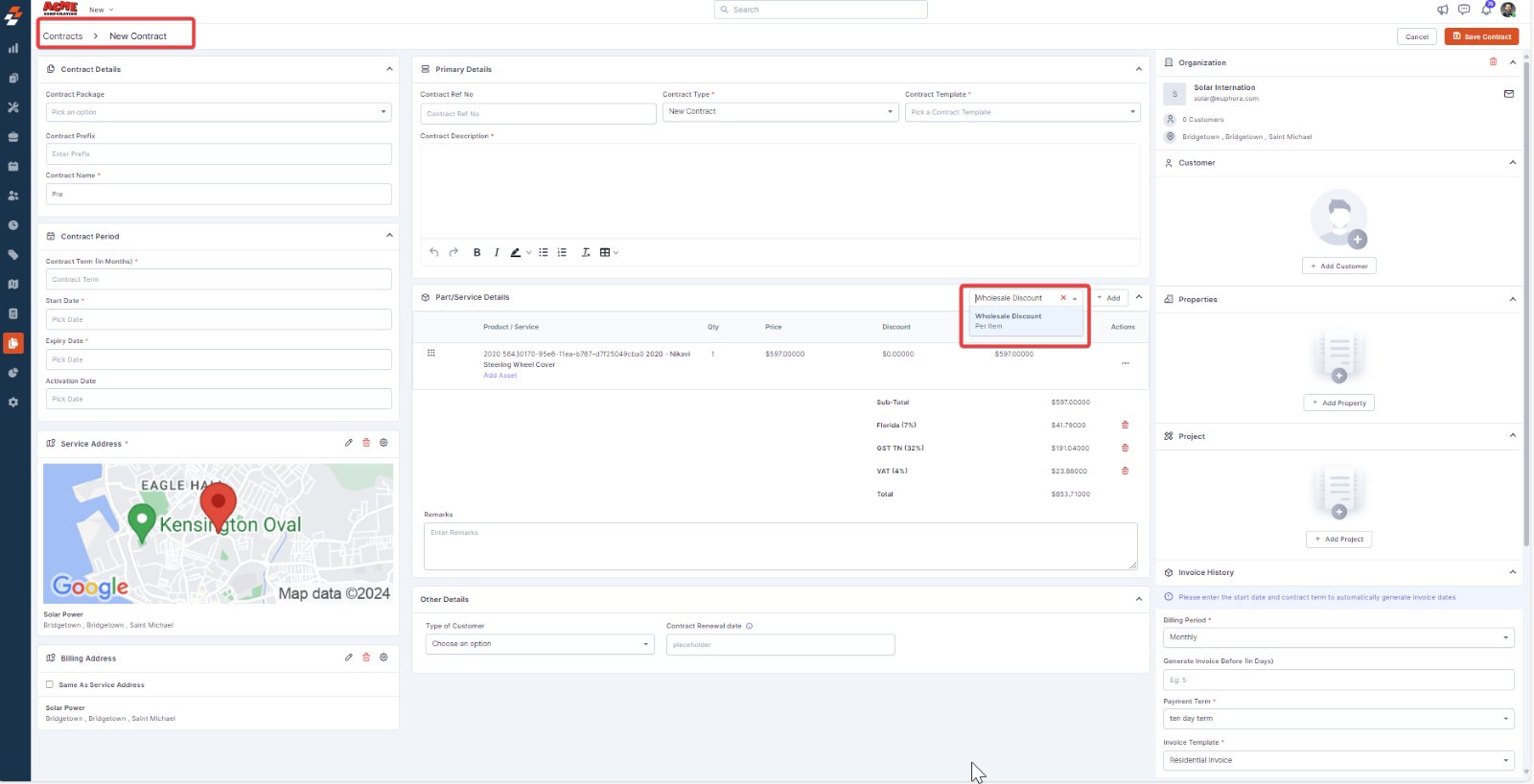
- Contract
- Job